A shopper lands on your store, types “trainers” into the search bar and sees nothing. You call them sneakers. They leave. That one mismatch costs you a sale you already paid to earn.
Search is one of the fastest ways to increase Shopify conversions without buying more traffic. Visitors who search have already told you what they want. This guide shows where default Shopify search falls short, what that costs and how AI search closes the gap.
Short answer
Default Shopify search matches keywords well but relies on manual setup for synonyms, boosts and shopper intent. AI search understands meaning, learns from behavior and fills those gaps automatically. For most stores that means fewer zero-result searches and more completed orders.
What Is Default Shopify Search and Where Does It Stop?
Default Shopify search is the keyword-based search built into every online store. It returns products, pages and blog posts that match the words a shopper types. It is dependable and free.
It is also not broken. Shopify’s own documentation says it already handles common misspellings and singular or plural forms. Merchants can add synonym groups, product boosts and, on eligible plans, Semantic Search.
The limits show up as your catalog grows. The same documentation lists them:
- Synonyms are manual, capped at 20 per group and 1,000 per store.
- Synonyms are not applied to SKU or barcode matches.
- Alternate spellings of compound words, such as belt bag and beltbag, are not considered by default.
- Semantic Search covers English storefronts with fewer than 200,000 products, on eligible plans, and not predictive search.
- A product boost accepts a maximum of 10 search terms.
Each limit is small alone. Together they leave a gap between what shoppers type and what your catalog says.
How Much Revenue Does Weak Search Cost You?
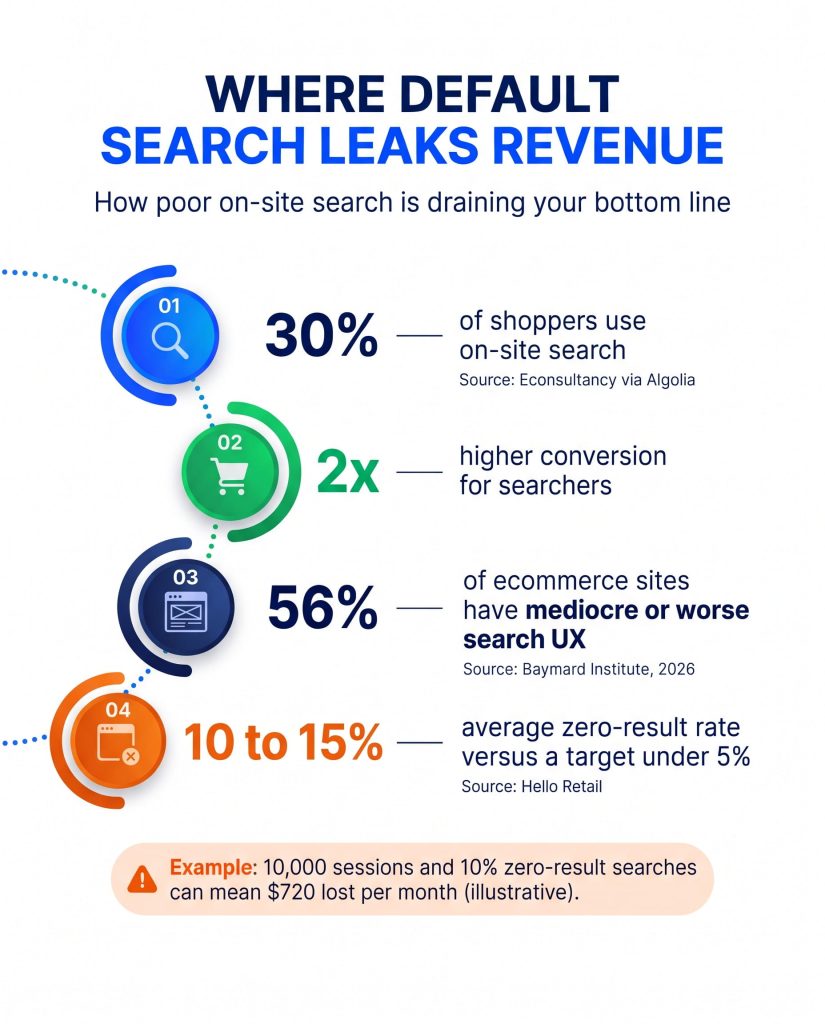
Weak search costs you your highest-intent visitors. About 30% of ecommerce shoppers use on-site search, and they convert roughly twice as often as those who do not, according to Econsultancy figures reported by Algolia.
Quality matters as much as presence. Baymard Institute’s 2026 search benchmark found that 56% of ecommerce sites deliver a mediocre or worse search experience. On mobile sites that figure rises to 58%.
Zero-result searches are the clearest leak. Hello Retail’s site search benchmarks put the industry average at 10 to 15% and recommend staying under 5%.
What does that look like in real money?
Here is an illustrative example. Treat every input as an assumption and swap in your own numbers.
| Input | Value |
| Monthly sessions | 10,000 |
| Sessions that use search (30%) | 3,000 |
| Search conversion rate | 4% |
| Average order value | $60 |
| Searchers who hit zero results (10%) | 300 |
| Orders lost each month | 12 |
| Revenue lost each month | $720 |
That is $8,640 a year for one small store, from zero-result searches alone. It assumes those shoppers would have converted like other searchers. Poor ranking on results that do appear adds to the loss.
Which Search Failures Hurt Stores Most?
Four patterns appear again and again.
| Shopper types | Why keyword search stumbles | What the shopper does |
| “trainers” for a product titled sneakers | Vocabulary differs from your catalog | Leaves or retypes |
| “gift for dad under 50” | Intent, not product words | Scrolls without a clear result |
| “belt-bag” or “beltbag” | Variant spellings are not matched by default | Sees few or no results |
| A half-typed query in predictive search | Semantic Search does not apply there | Sees weak suggestions |
Why does mobile search suffer more?
Luigi’s Box site search data shows mobile search usage averaging 14% against 20% on desktop. A common cause is a search bar hidden behind extra taps. Fewer mobile shoppers search, and those who do face the same keyword gaps.
How Does AI Search Fix These Problems?
AI search matches meaning, not only words. It reads titles, descriptions and attributes, then ranks results by relevance and shopper behavior. The vocabulary gap closes without a thousand hand-written synonym rules.
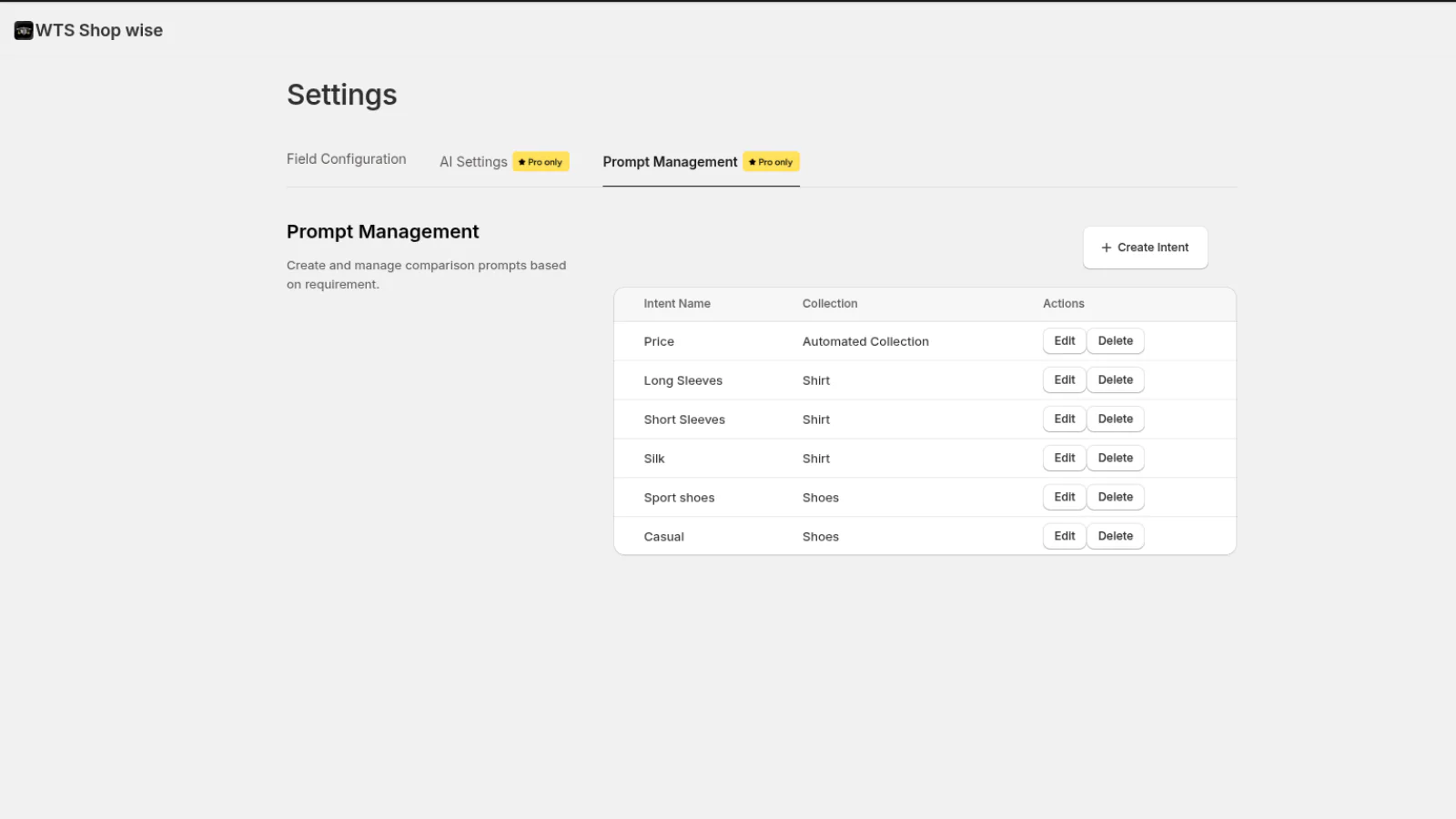
Skitter AI Search & Filter is built for this on Shopify. It adds six capabilities:
- Instant results as shoppers type, with typo tolerance and synonym matching.
- Redirect rules that send specific queries to the right page.
- Visual search, where shoppers upload a photo, and voice search.
- Recommendations on home, product, cart and collection pages.
- Merchandising rules to pin bestsellers, promote new arrivals or lift high-margin items.
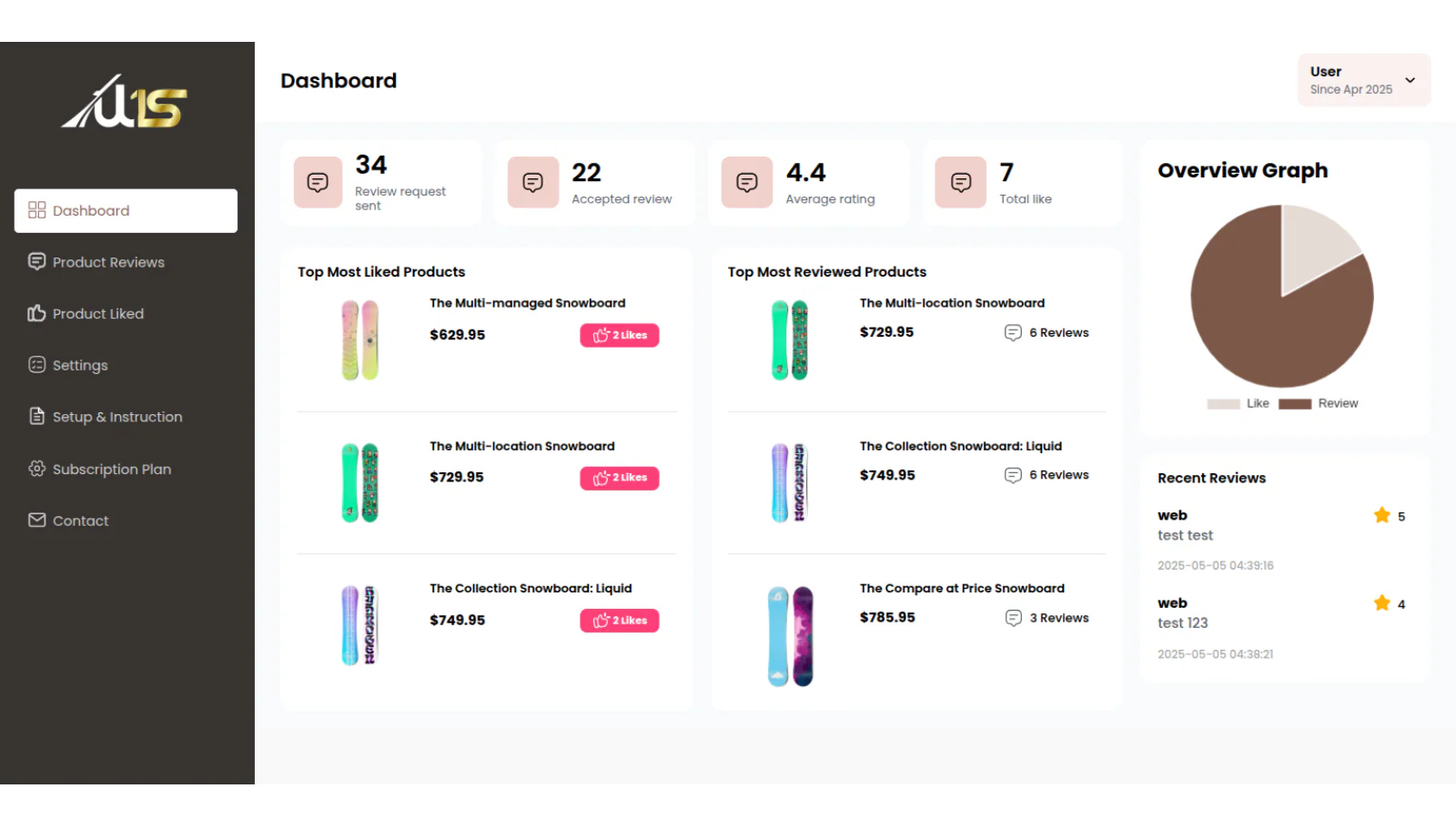
- Analytics for top queries, zero-result queries and conversion from search.
The app listing gives two easy test cases. A typo such as “blu jeans” and a vocabulary swap such as “denim trousers” should both lead to the right products.
How does AI search handle intent queries?
Shoppers rarely type product titles. They type needs, such as “gift for dad under 50” or “christmas party shoes”. Shopify’s documentation uses the second query as its own example. Semantic matching links christmas to red and green, and party shoes to pumps.
AI search applies the same logic across the whole catalog and every search surface. It reads attributes, price and behavior together, so a need becomes a ranked shortlist instead of an empty page.
How does it compare with Shopify’s native tools?
Use Shopify’s free tools first. Then compare what you still need.
| Capability | Default Shopify search | Skitter AI Search & Filter |
| Synonyms | Manual groups, 20 per group, 1,000 per store | Synonym matching on Basic and above |
| Semantic understanding | English storefronts under 200,000 products, eligible plans, not predictive search | AI-powered instant search on Advance |
| Visual and voice search | Not documented as a native feature | Included on Advance |
| Merchandising | Manual boosts, up to 10 terms each | AI merchandising rules |
| Zero-result insight | Report in Shopify analytics | Zero-result tracking with AI suggestions |
| Cost | Free | Free plan up to $19.99 a month |
Where do filters and comparison fit in?
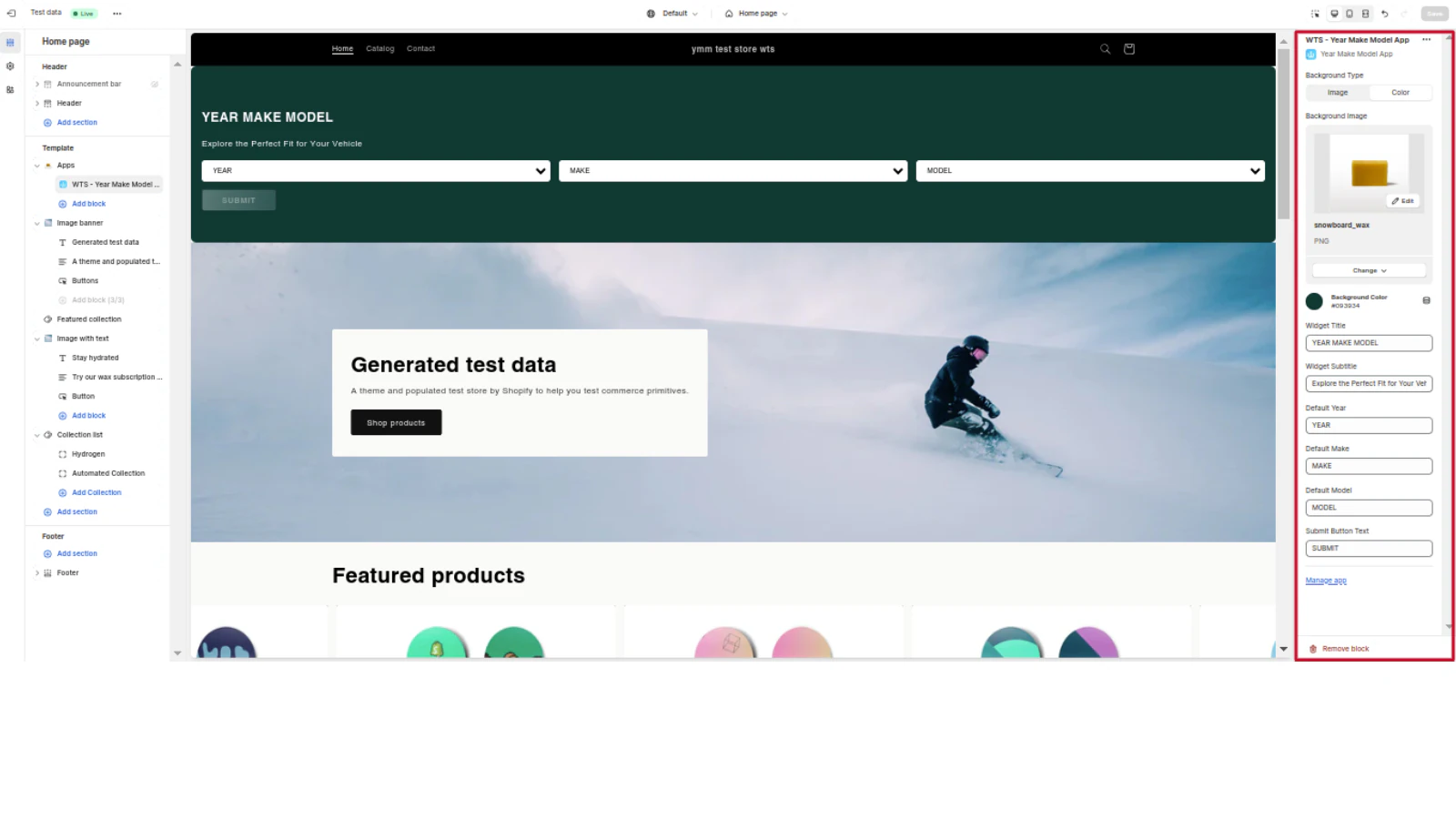
Search finds the product. Filters narrow the shortlist. Smart product filters let shoppers cut results by color, size, brand, price and rating. If your catalog depends on fitment, such as auto parts, add year, make and model fitment search.
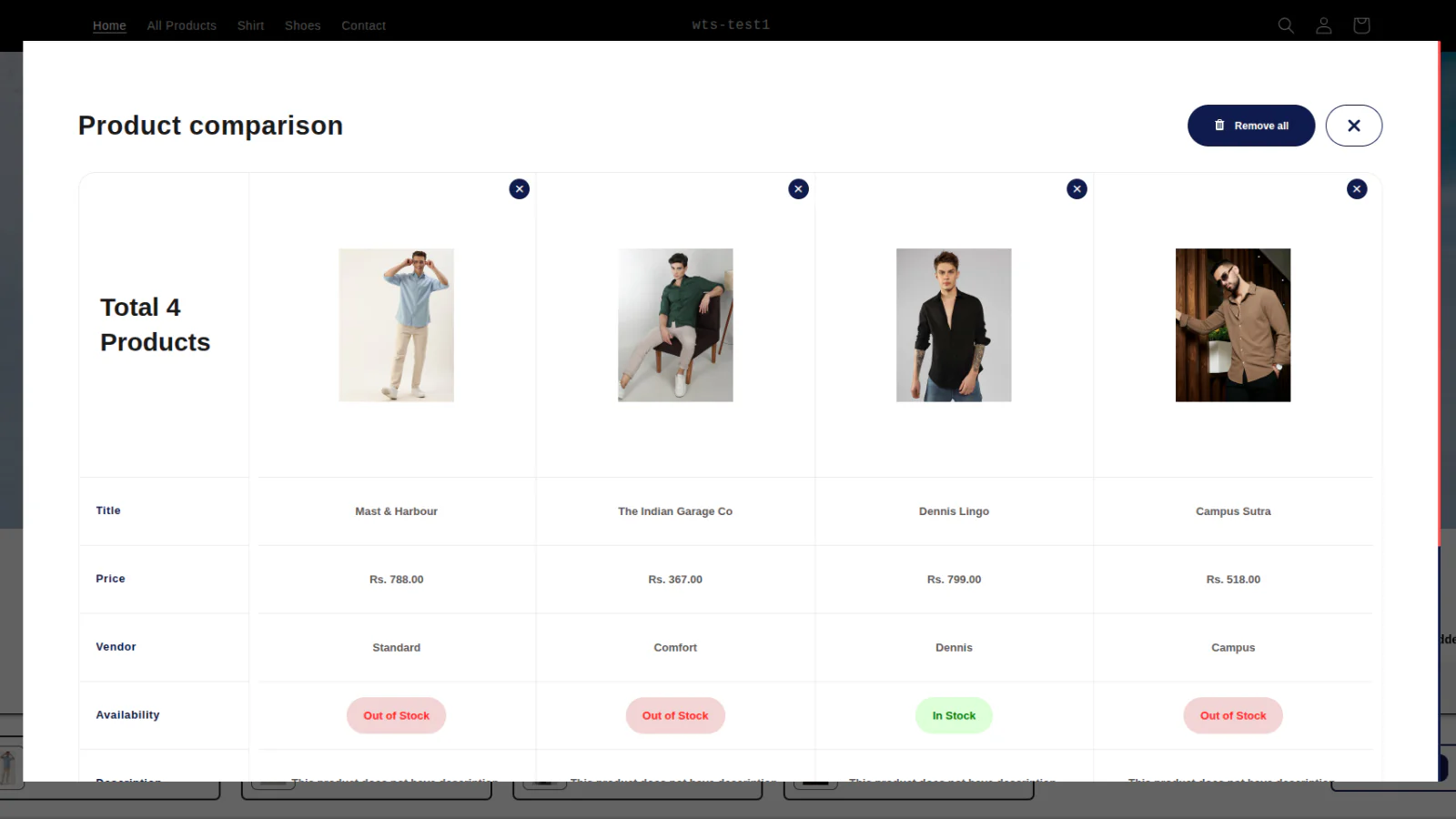
Shoppers still torn between two items? Product comparison pages help them decide without leaving your store.
Which Stores Gain the Most From Better Search?
Stores with large or varied catalogs gain the most. The more ways shoppers can name a product, the more often keyword matching misses.
- Fashion and home stores, where shoppers use style words instead of product titles.
- Fitment catalogs, such as auto parts, where the right part depends on the vehicle.
- Stores selling across regions, where the same item has different local names.
Industry matters too. The same Luigi’s Box dataset shows search driving 8% of revenue in Fashion and 38% in Books and Games. Pharma and Cosmetics stores see the largest conversion lift, at 8 to 9 percentage points over non-search sessions.
What Should You Check in Your Search Data Every Week?
Search data is free market research. Shoppers tell you what they want in their own words. A short weekly routine turns that into revenue:
- Read the top queries and note any that return weak or empty results.
- Add synonyms or redirects for queries that mean the same thing as an existing product.
- List queries with no matching product. Each one is a possible new product or collection.
- Pin or boost products for seasonal and high-margin queries.
- Retest your 20 audit queries and compare the zero-result rate with last week.
Ten minutes a week is enough. Most stores see the clearest patterns within the first month.
How Can You Audit Your Store Search in 30 Minutes?
You do not need a developer. You need a list of queries and a phone.
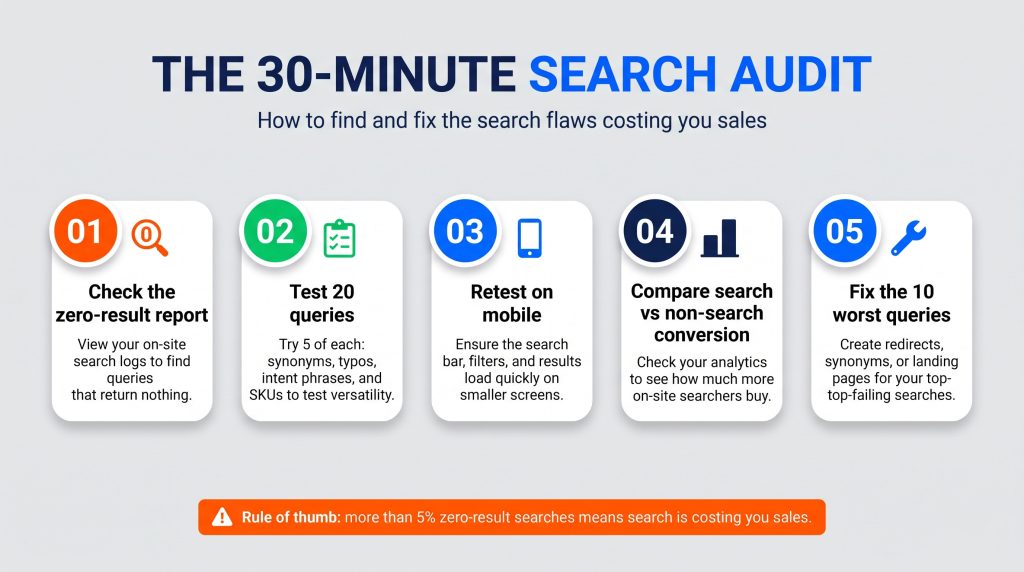
- Open the report named Top online store search results with no results in Shopify analytics.
- Test 20 queries: five synonyms, five typos, five intent phrases and five SKUs.
- Repeat the test on your phone, including predictive search.
- Compare conversion for sessions with search against sessions without. Search and store analytics make this comparison easier.
- Fix the ten worst failed queries first with synonyms or redirects.
One rule of thumb applies. If more than 5% of searches return nothing, search is a revenue problem, not a design problem.
How Do You Choose a Shopify Search App?
Judge any search app on five points:
- Catalog size limits on each plan.
- Typo, synonym and meaning-based matching.
- Depth of search analytics.
- Merchandising control without code.
- Price and trial terms.
Skitter’s Starter plan is free for up to 100 products. Basic costs $9.99 a month for up to 5,000 products. Advance costs $19.99 a month for unlimited products and adds visual search, voice search and advanced analytics. Paid plans include a 14-day trial. You can read the Shopify App Store listing before you install.
Frequently Asked Questions
1. Does Shopify search handle typos by default?
Yes. Shopify’s documentation says it has built-in strategies for common misspellings and singular or plural forms. Gaps appear with compound word variants and unusual spellings.
2. Is Shopify Semantic Search enough for my store?
It can be a strong start. It needs an English storefront, fewer than 200,000 products, an eligible plan and native search results. It does not apply to predictive search. If any of those conditions rules you out, an app fills the gap.
3. What is a good zero-results rate?
Under 5%. Hello Retail reports an industry average of 10 to 15%, so most stores have room to improve.
4. Will AI search replace my filters?
No. Search handles shoppers who know what they want. Filters help those who are still browsing. Run both.
5. Can I try AI search for free?
Yes. Skitter has a free Starter plan for up to 100 products, and paid plans start with a 14-day trial.
Your search bar is the one place shoppers tell you exactly what they want. Start with the free Starter plan and review your zero-result report after two weeks.